
Record tutorials and demonstrations
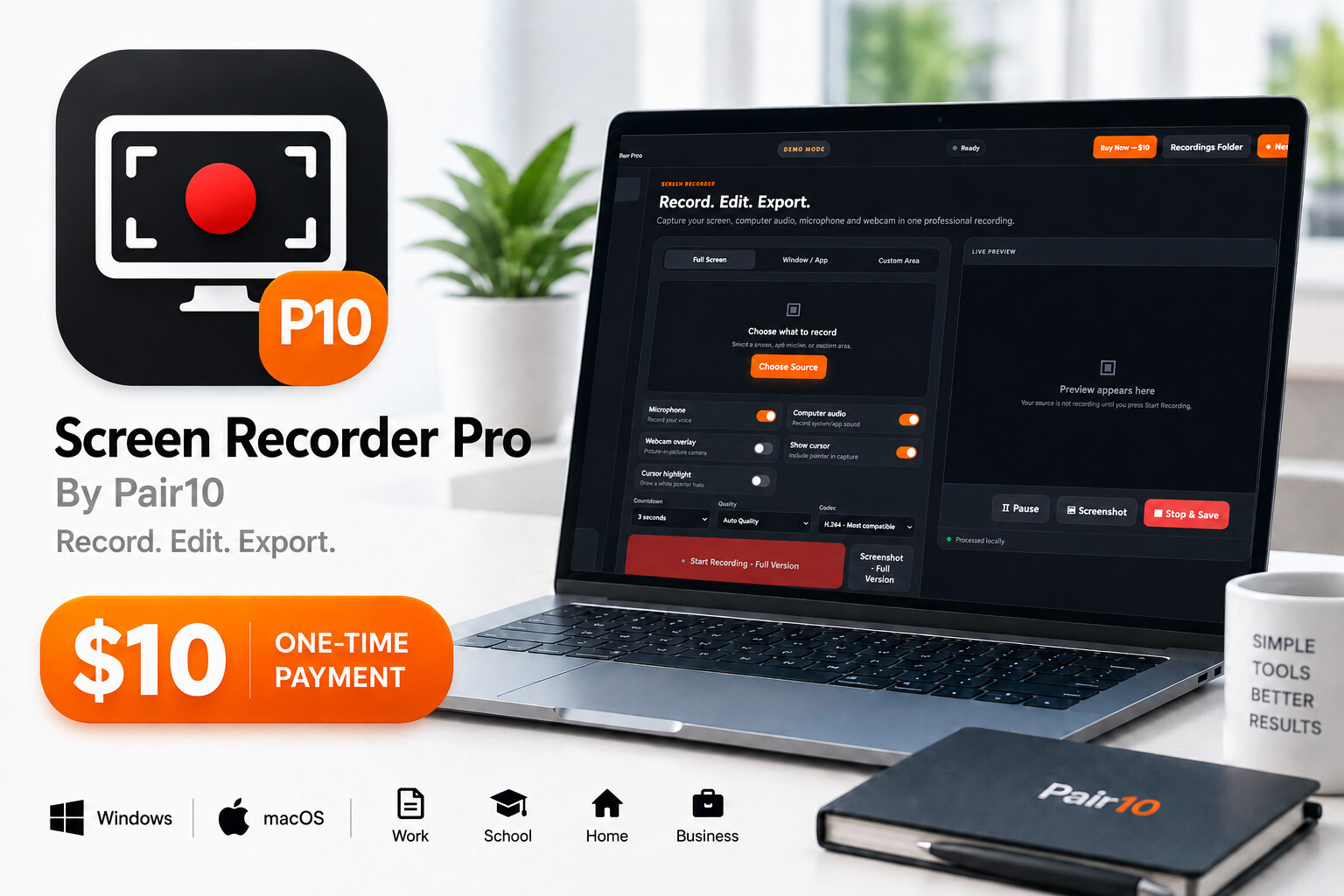
Capture your full screen, a specific app or a selected area while explaining the process with your microphone.
 Open Live Preview ↗
Professional local screen recorder for Windows 10/11 x64. Record full screen, app windows or a custom area with microphone, computer audio and optional webcam; pause, capture screenshots, edit mistakes, add voiceover and export MP4 in H.264 or H.265.
Download the Windows 10/11 x64 Setup installer and run Screen Recorder Pro locally on your computer. Recording, editing and export processing stay on the PC; no hosting account or monthly subscription is required.
Real ways to turn this tool into faster work, better results and a more professional customer experience.
Capture your full screen, a specific app or a selected area while explaining the process with your microphone.
Show a customer exactly where to click while recording computer audio, cursor highlights and click effects.
Combine screen, microphone and optional webcam to create lessons for employees, students or clients.
Pause when needed, trim unwanted parts and remove mistake segments instead of recording everything again.
Use Auto, 720p, 1080p, 60fps or native resolution up to 4K when your computer supports it.
Manage recordings in the local library and export MP4 without a Pair10 watermark after activation.
Check the device and installation requirements before purchasing.
Everything important to know before you download.
Yes. Record microphone audio, computer audio or both together.
Yes. Choose full screen, a specific window or application, or a custom area.
No. Pair10 does not add a watermark after the product is activated.
Choose Auto, 720p, 1080p or up to the computer native resolution, including 4K when supported by the hardware.
The first verified buyer can be the first to review this product.
 VIEW DETAILS
by Amir S · Website Systems
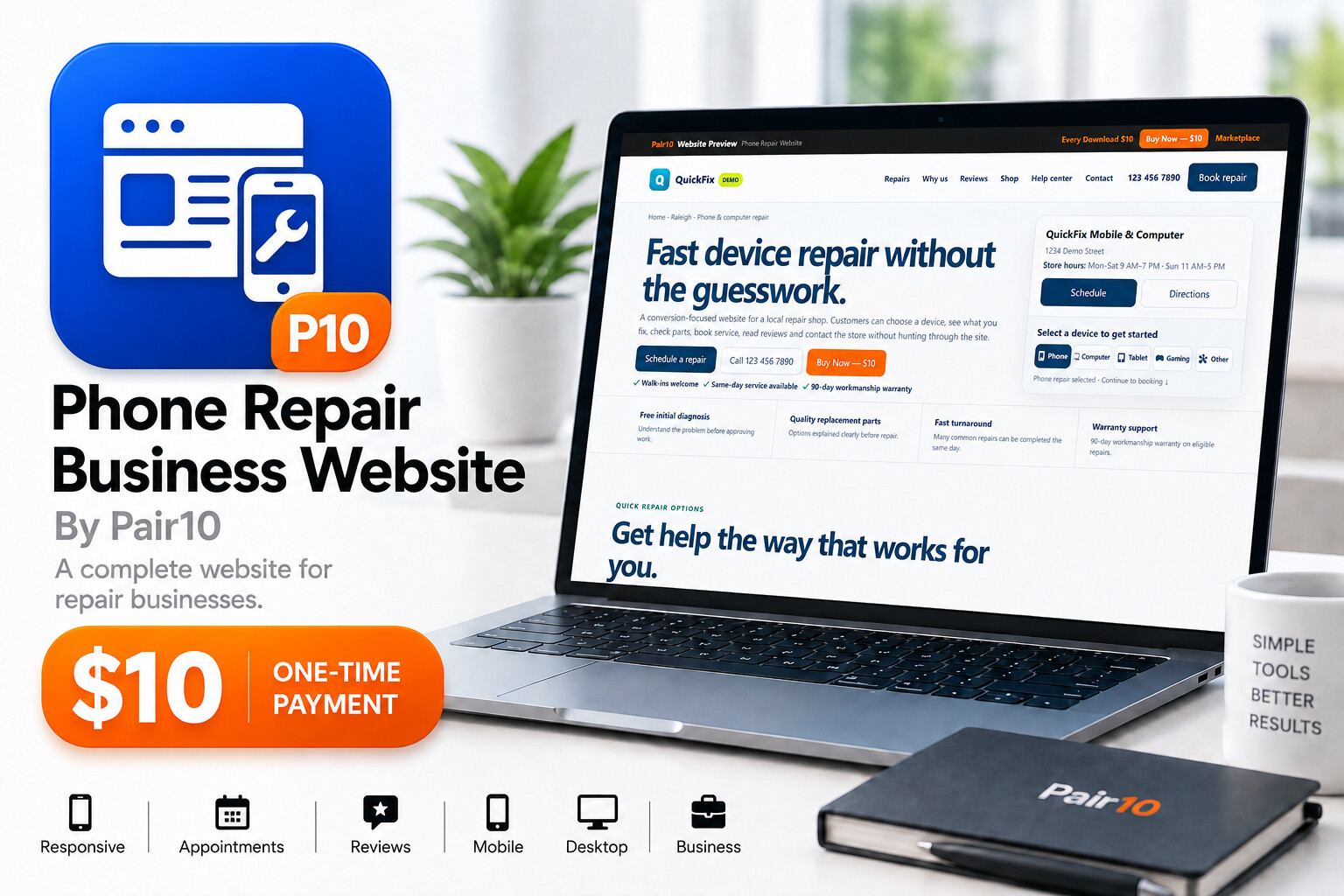
Ready-to-install phone repair website with booking, local-pickup products, repair guides, WhatsApp and a complete owner dashboard.
 VIEW DETAILS
by Amir S · Creator Tools
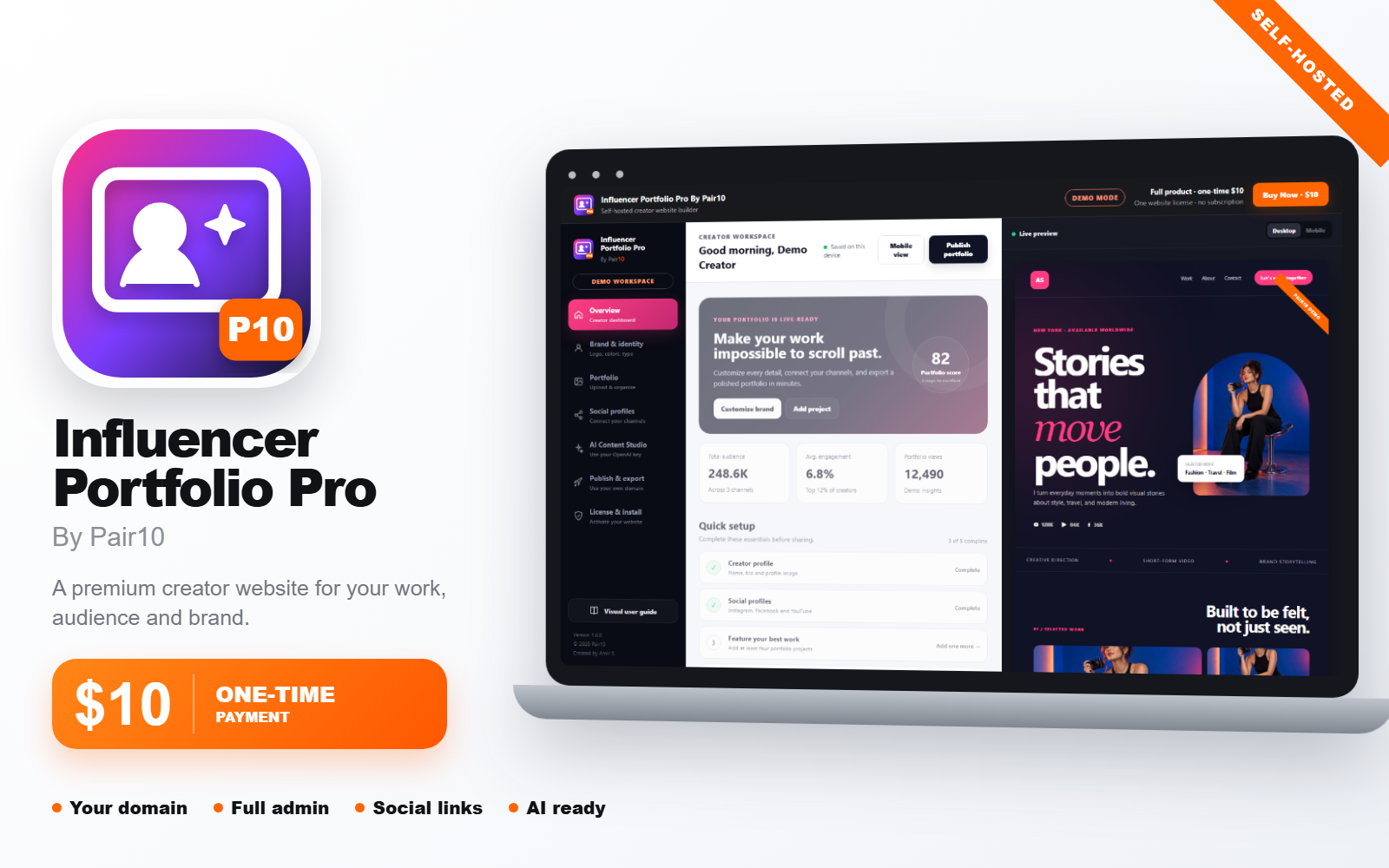
A complete self-hosted portfolio and Creator Studio for influencers, photographers, videographers, UGC creators, models and creative agencies.
 VIEW DETAILS
by Amir S · Business Tools
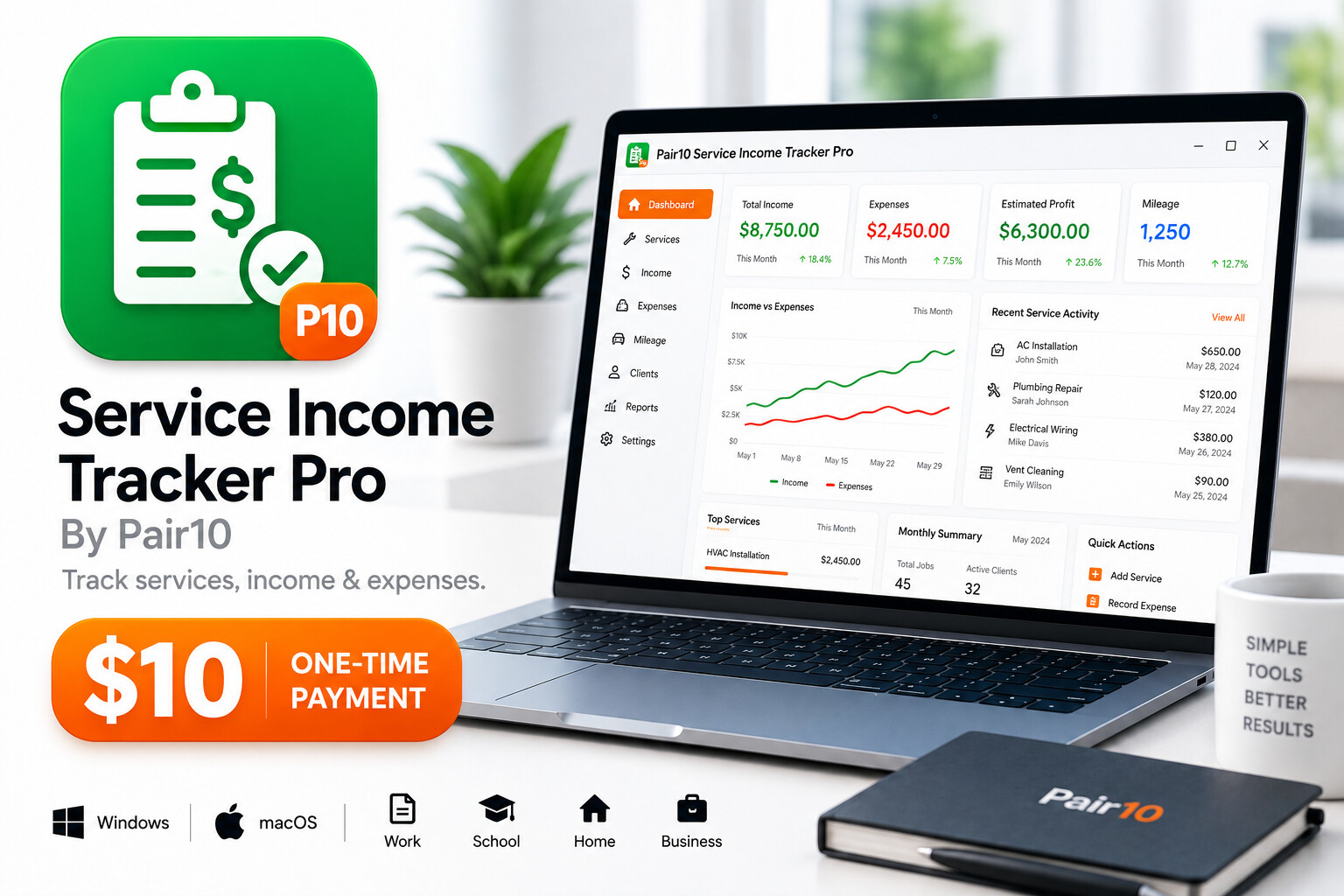
Track services, cash income, expenses, mileage and clients with tax-reference reports and quick access to your own ChatGPT account.